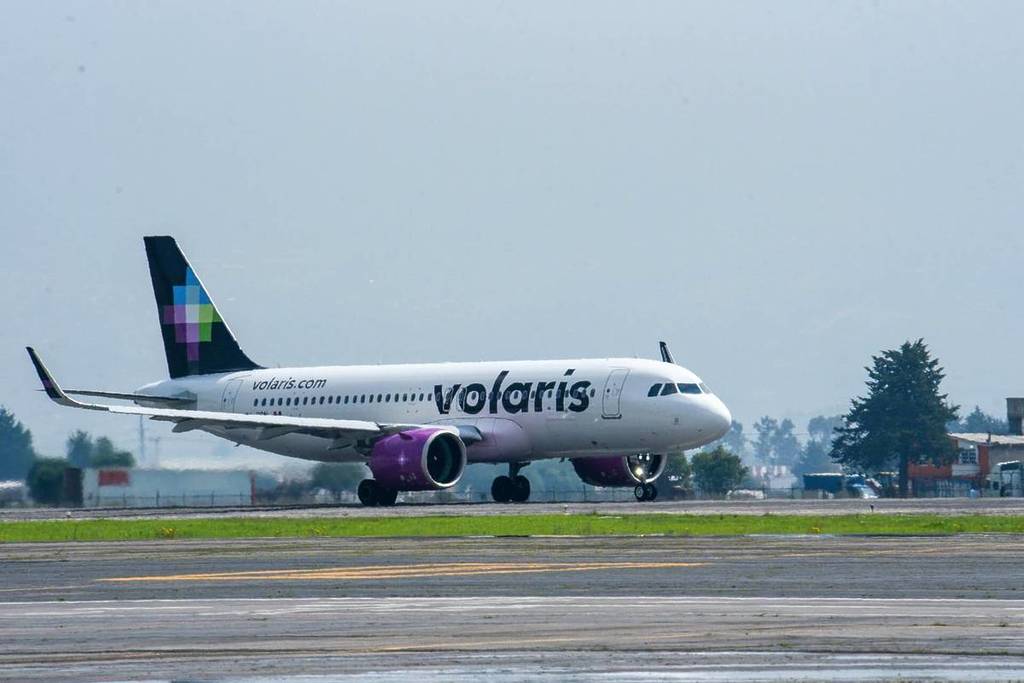

Due to the state of alert in Jalisco, several airlines have adjusted their operations. Has your flight from Guadalajara or Vallarta been canceled? Here’s how you can change it at no cost.
In recent days, roadblocks and disruptions have been reported on various roads, complicating access to the airport and mobility in the metropolitan area.
Given this situation, airlines such as Volaris have activated flexibility policies that allow affected passengers to change their flight dates without additional charges.
Through social media, the company reported that access roads to the airport may be disrupted, so it recommends that passengers stay tuned to the status of their flight.
If you had a trip scheduled to or from Guadalajara, you can check the status of your flight on the airline’s official channels.
If your flight has been canceled or delayed, you can change it at no cost from the app or website.
How to change your flight from the app?
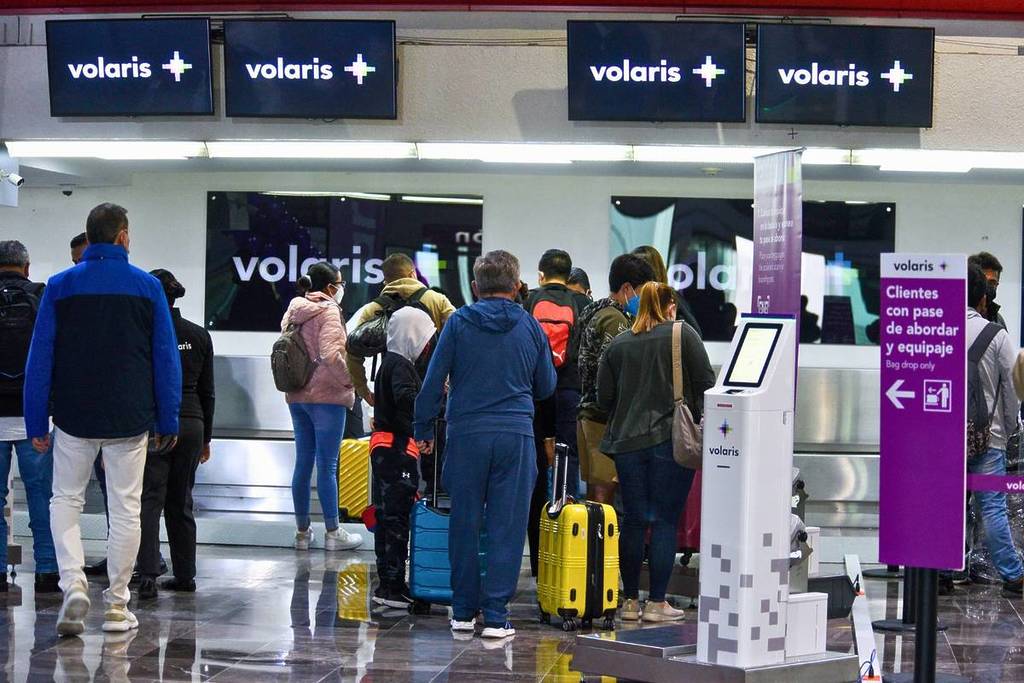
- Install or update it.
- Go to “My Trips.“
- Check your active reservations.
- Select the flight you wish to change.
- Choose from the available options.
- Select a new date and/or destination.
- Review, accept, and finalize.
Your new itinerary will be sent to your email address.
Do it from the website
- Go to volaris.com/mytrips
- Search for your reservation using your flight code and last name.
- Click on “Change flight.“
- Select a new date or destination.
- Review and confirm the changes.
The updated itinerary will be sent to your email.
Authorities recommend staying informed, allowing extra travel time, and following official instructions while security measures remain in place in the state.